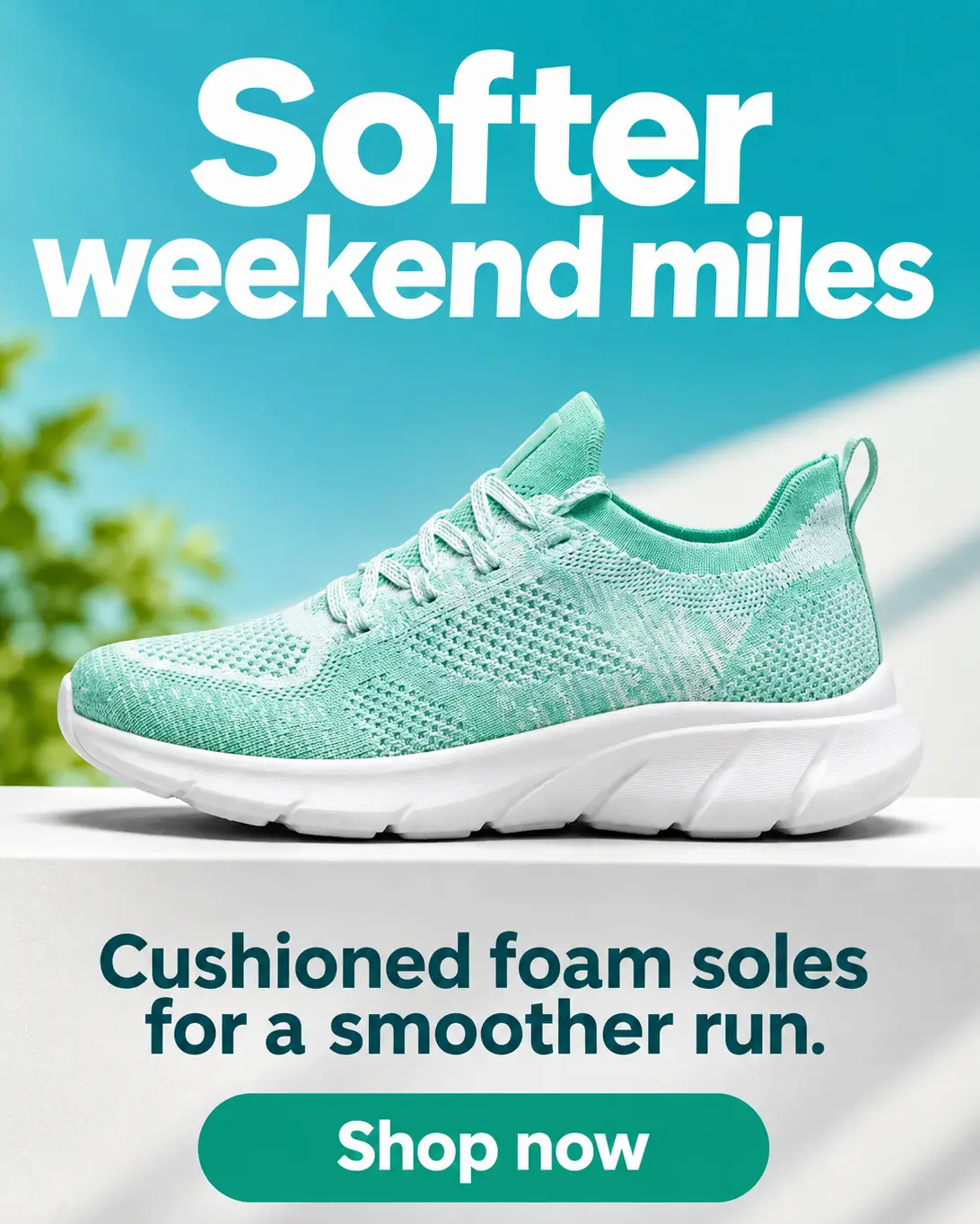
How to Write 4 Ad Angles From One Product Photo
Write 4 ad angles from one product photo: the problem, the moment, the detail and the offer, with a headline, sub-line and button for each.
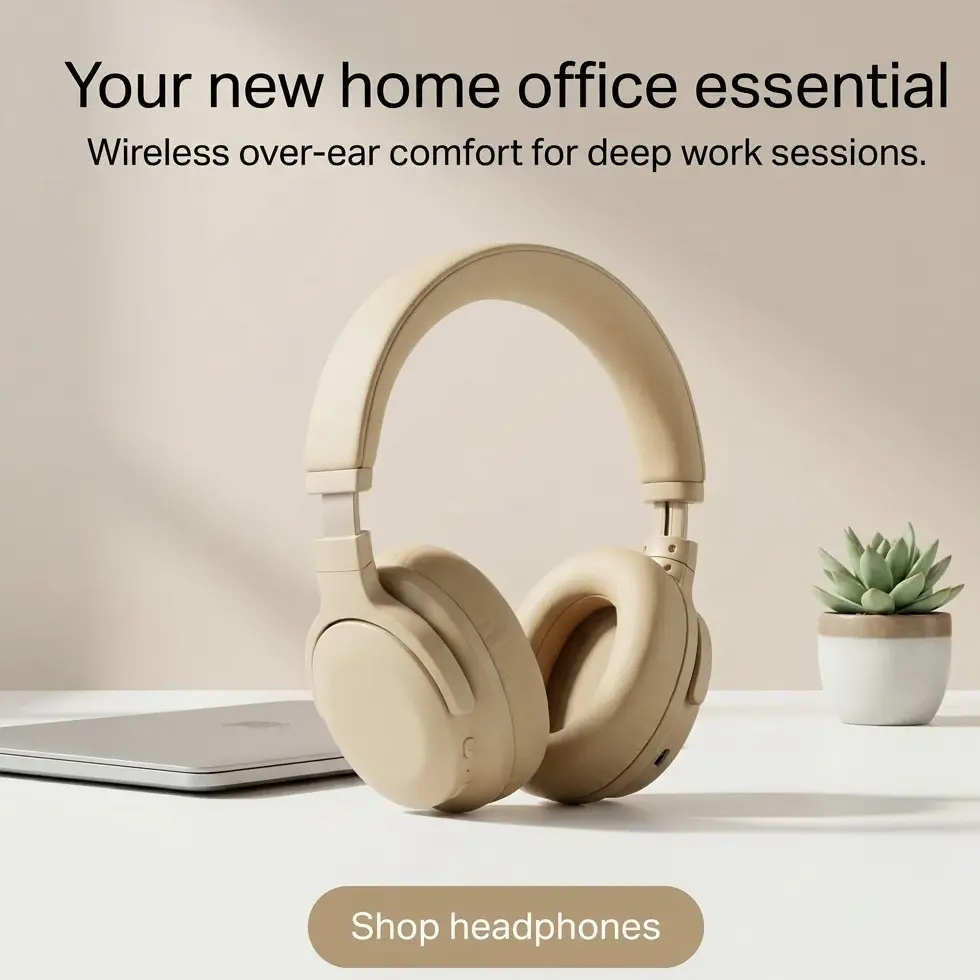
An ad angle is the one reason to buy that a single ad leads with. One product has several: the problem it solves, the moment it belongs to, the detail that proves quality, the offer that makes now the right time. Writing four angles before you design anything gives you four genuinely different ads to test instead of four colour variations of the same idea. This guide shows how to find them from one product photo and a two-line brief, and how AI Ad Gen drafts them for you.
What an angle is (and what it is not)
An angle is a reason, not a layout. "Gift-ready" is an angle. "Red background" is not. Each angle carries its own words:
- Hook: why it should stop the scroll. You read this; it is not drawn in the ad.
- Headline: the large line in the image, usually two to seven words.
- Sub-line: one short supporting line, or nothing.
- Button text: what you want the viewer to do, in one to three words.
- Scene: where the product sits and what is around it, with no text in it.
If two of your angles would share the same headline with a word swapped, they are one angle. Merge them and look for another reason to buy.
Four angles that fit almost any product
Start from these four and adapt them to what the photo really shows.
1. The problem it solves
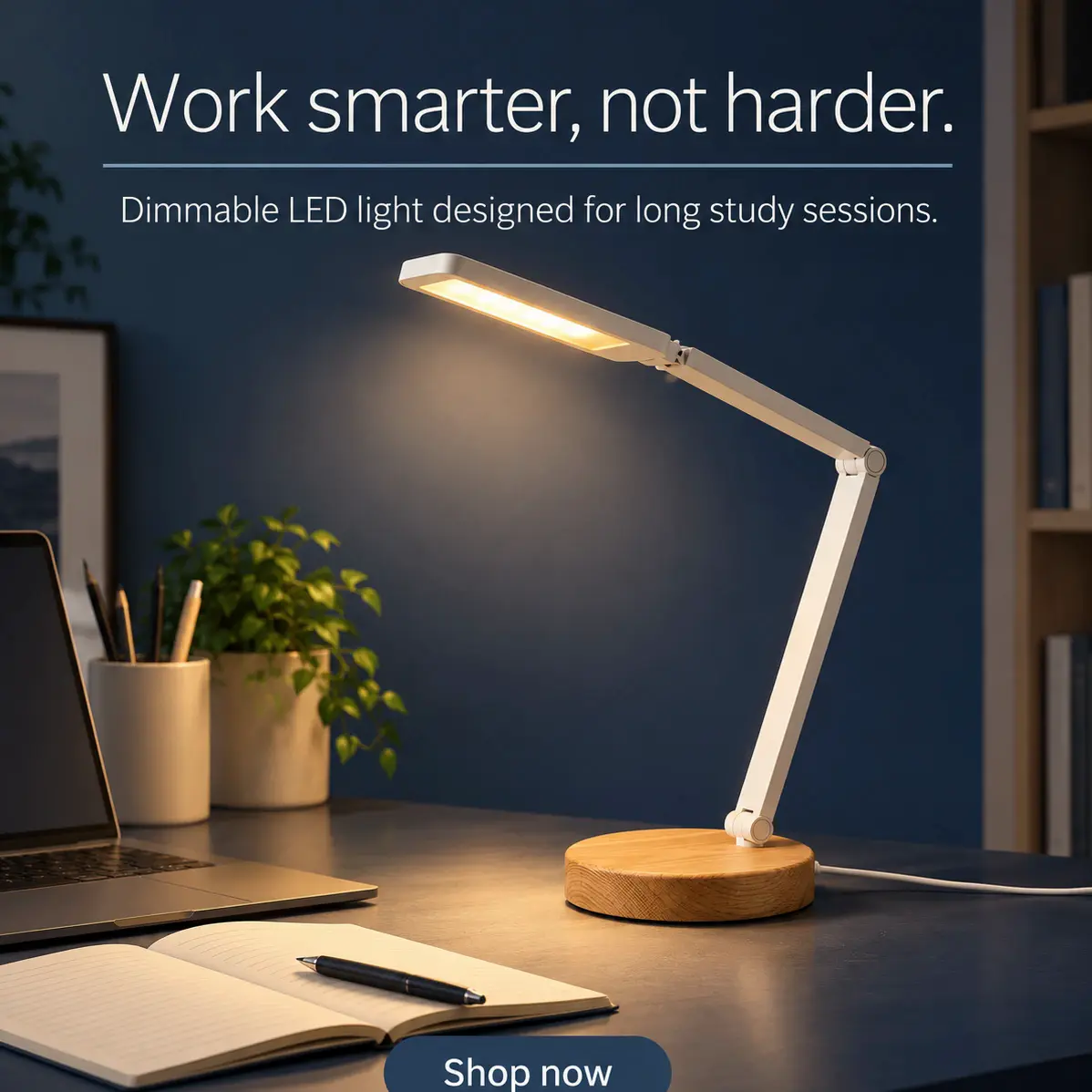
Name the annoyance the product removes, in the customer's words. A desk lamp: "No more squinting at 9 pm." A hand cream: "Hands that survive winter." The scene shows the product in the situation where the problem happens: the late desk, the cold windowsill.
2. The moment or feeling
Sell the moment the product belongs to. A candle is not wax, it is the quiet hour after the day ends. The headline names the moment ("Your quiet hour, bottled") and the scene builds it: warm light, a book, a mug.
3. The detail that proves quality
Pick one thing in the photo that a buyer can check: the stitching, the grain of the wood base, the knit of a running shoe. Headlines here are concrete ("Oak base. Folding arm. Three light levels.") and the scene is close and clean so the detail reads.
4. The offer or reason to act now
Only if you really have one. Free shipping over two items, a gift wrap, a launch bundle. Use the offer in your own words and numbers. If you have no offer, swap this angle for a second problem or a second moment rather than inventing a discount.
Write the brief in two lines
The quality of the angles depends on what you tell the writer, human or AI. Two lines are enough:
- What it is: material, size, scent, colour, the facts a buyer would ask about. "Hand-poured soy candle in an amber glass jar, cedar and fig, about 50 hours."
- Offer and audience (optional): "Free shipping on two or more" and "people who like a calm evening at home".
Leave out claims you cannot back up. Words like "best-selling", "#1" or a star rating should only appear if they are true and you can show it.
Draft the angles in AI Ad Gen
The AI Ad Gen studio does this step for you:
- Upload one clear product photo (and a logo, if you want it in the ads). Type what you are selling; add an offer and audience if you have them.
- Press Write 4 angles. The model reads the photo and the brief and returns four angles, each with a hook, headline, sub-line, button text and scene.
- Edit any line before drawing. The headline, sub-line and button text you see are the words that go into the ad.
- Pick the angles you like and the sizes you need: square 1:1, portrait 4:5, story 9:16 or landscape 16:9. The cost shows before you draw.
- Press Draw. Each angle × size becomes one finished ad, with the product kept as it is in your photo.
The angle writer never makes up prices, discounts, percentages, reviews or awards. If a number is not in your brief, it does not go into the drawn text.
Check each angle before you draw
A minute of checking saves a set of ads you cannot run:
- Is it true? Every claim should be something you could defend if a customer or an ad reviewer asked.
- Is it different? Read the four headlines aloud. If two sound alike, rewrite one.
- Does it fit? Long headlines get small in a square ad and crowded in a story. See how to check AI ad text before you run it.
- Does the button match the page? "Shop now" should land on a product page, not on your home page.
What to do with four angles
Draw each angle at one size first, usually square, and look at them side by side. Keep the two you would actually run, then draw those at the other placements. Running the angles against each other tells you which reason to buy your customers respond to, which is worth more than any single design choice. For the sizes each placement needs, see static ad sizes for Meta and TikTok.
When you have a winner, keep the angle and change one thing at a time: a new scene, a shorter headline, a different button. That is how one product photo turns into a steady supply of ads.
Ready to try it? Upload a product photo and write your first four angles, or see what plans and packs cost.
Make your own ads
Upload a product photo, pick angles and sizes, and see the price before anything is drawn.